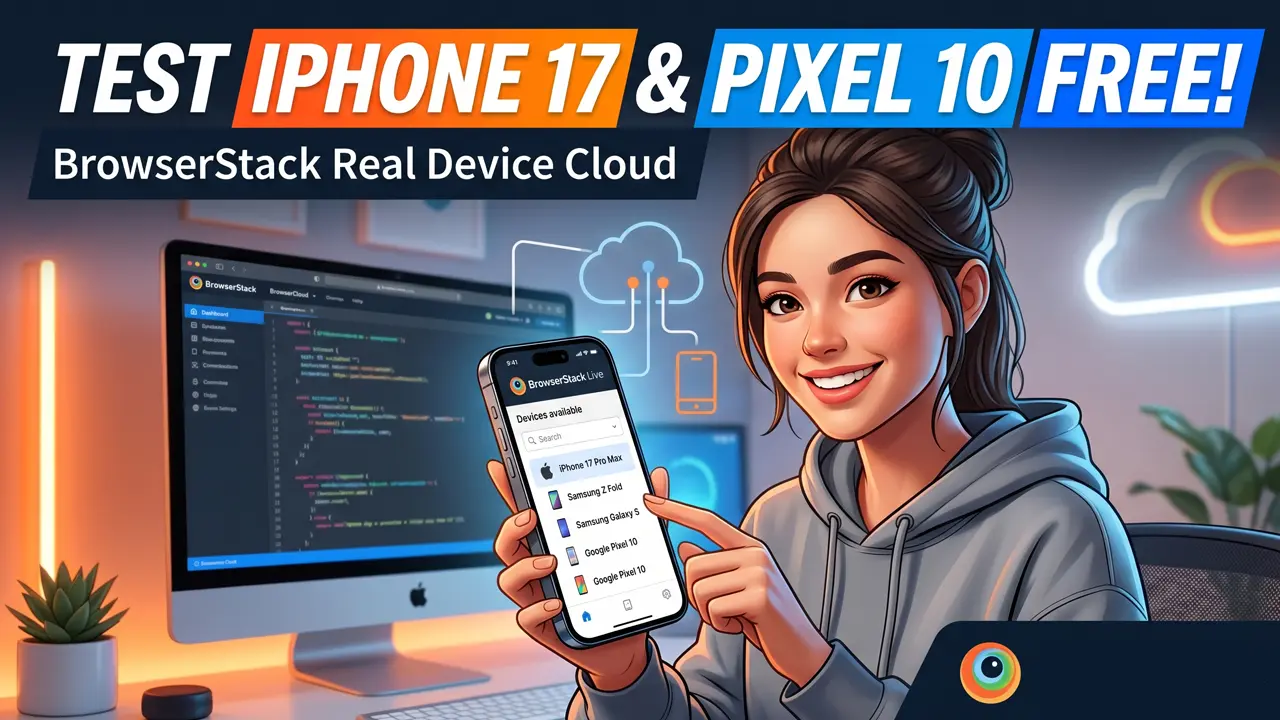
Have you ever built a stunning website or app, only to wonder if it will break on the brand-new iPhone 17 Pro Max or the Google Pixel 10?
For independent developers and creators, buying every single flagship phone just for testing is financially impossible. Emulators are a decent backup, but they often fail to replicate real-world hardware quirks. That is where BrowserStack comes in, offering a massive “Real Device Cloud” that you can actually access for free.
Here is how you can leverage BrowserStack to test your projects on the world’s most expensive smartphones without spending a dime.
What is BrowserStack?
BrowserStack is a cloud web and mobile testing platform. When you use it, you are not spinning up a software emulator on your computer. Instead, you are connecting directly to a physical, real-world smartphone sitting in a secure data center. You get a live video feed of the screen and can interact with it using your mouse and keyboard just as if the device were in your hands.
The “Free Device” Loophole
While BrowserStack is heavily used by massive enterprise companies, it is incredibly accessible for solo creators.
By signing up for their free trial at browserstack.com, you are instantly granted free testing minutes on their real devices. Furthermore, if you are working on an Open Source project, BrowserStack offers specialized free lifetime access to support the community. This is the ultimate hack to verify your work on premium hardware before you push your code live to a global audience.
Testing the Bleeding Edge
Once you are logged in, you can bypass the older models and jump straight to the newest, most expensive phones on the market. Here is what you should be testing right now:
- Apple iPhone 17 Pro Max: Test your heavy iOS animations and dynamic screen features on Apple’s newest massive display
- Samsung Galaxy Z Series: Foldables are notoriously tricky for web design, so use the Z Fold and Z Flip to ensure your responsive layouts actually adapt when a user bends their screen
- Samsung Galaxy S Series: Verify your performance optimization on the most popular, high-traffic Android flagships available
- Google Pixel 10: Experience pure, vanilla Android and ensure your app plays nicely with Google’s latest Tensor architecture
Why You Cannot Trust Emulators
You might be wondering why you cannot just use Android Studio or Xcode to simulate these devices. The truth is, emulators lie. By using BrowserStack’s free real devices, you can catch critical errors that software simulations miss entirely:
- Battery drain and thermal throttling under heavy loads
- Exact touch screen responsiveness and gesture recognition
- Hardware-specific rendering bugs and visual glitches
- Real network condition behaviors on an actual mobile antenna
By taking advantage of BrowserStack’s free access, you guarantee that your audience gets a premium, bug-free experience, no matter what cutting-edge device they have in their pocket.
Have you ever caught a massive bug by testing on a real device? Drop your stories in the comments below!