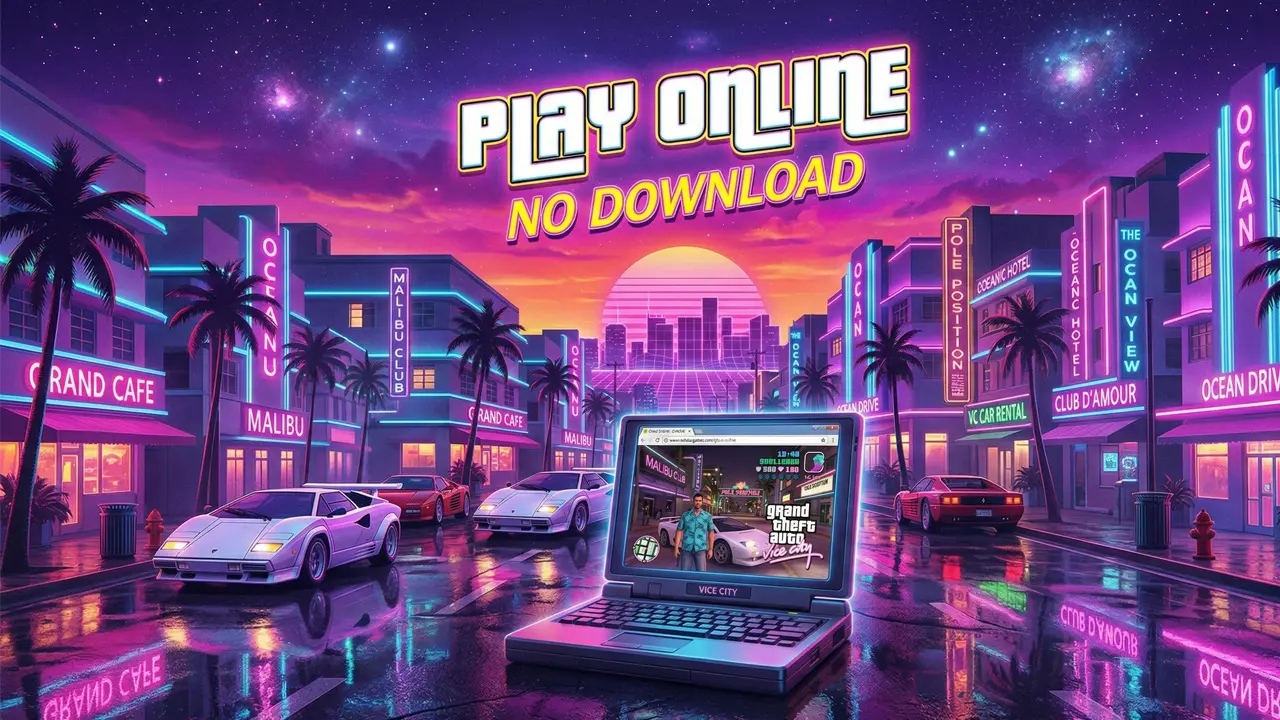
Learn how to play GTA Vice City for free right in your browser. No installation required—relive your childhood memories instantly!
Playing GTA Vice City online has finally become a reality, stripping away the need for bulky PCs or the complex installation steps of the past. With just a web browser, anyone can transport themselves back to the sun-drenched streets and neon-lit disco vibes of the 1980s. This is a golden opportunity for fans to relive those high-octane chases directly on their laptops or mobile devices.
A Deep Dive into Playing Vice City Online
To begin this nostalgic journey, users only need to follow a few simple steps on their preferred device.
The Tech Behind the Revival
The retro gaming community recently received a massive boost when the DOS Zone platform successfully brought this legendary title to the cloud. Rather than an official Rockstar Games release, this project is a labor of love from the fan community. It utilizes the reVC open-source engine combined with WebAssembly technology.
This setup allows the game code to run with high performance directly within a browser, recreating the Vice City experience with startling accuracy. You don’t need a high-end gaming rig or massive hard drive space; everything is processed via the web.
How to Access and Launch the Game
The process to enter the Vice City underworld is quick and beginner-friendly:
- Step 1: Ensure you have a stable internet connection and a modern browser like Google Chrome, Microsoft Edge, or Firefox.
- Step 2: Visit the DOS Zone website and search for “GTA: Vice City”, or you can access it directly HERE.
- Step 3: Click the “Play Demo” button. The initial boot-up only requires downloading about 56 MB of data, so it starts almost instantly.
Note: Map data and other assets will load dynamically in real-time as your character moves throughout the city.
Flexible Controls Across All Devices
One of the biggest advantages of this web version is its broad compatibility with different controllers:
- PC Users: Use the classic keyboard and mouse setup (WASD/Arrows to move, Enter to interact, Mouse for camera).
- Mobile/Tablets: Features an optimized UI with virtual joysticks and touch buttons.
- Gamepad Support: If you have an Xbox or PlayStation controller, simply plug it in; the system should recognize it automatically for a console-like experience.
Gameplay Experience and Copyright Notes
The web demo allows players to Free Roam—exploring the city, driving along the beach, and admiring the iconic Art Deco architecture. However, to respect Rockstar Games’ intellectual property, the project follows specific rules:
- The Free Version: Limited to exploration and soaking in the atmosphere.
- Full Features: To play story missions or save your progress, you must upload game files from a legally purchased copy (Steam or original CD).
- Performance Tip: If you notice the map loading slowly while driving at high speeds, try setting the map memory setting to “High” in the options.
Conclusion
Playing GTA Vice City online is a significant milestone in game preservation, blurring the lines between hardware and software. Even as a “stroll down memory lane” demo, it successfully reignites the thrill of the classic “cyber-cafe” era for a new generation.