Browser.lol is an online virtual browser service that lets you safely browse the web in a fully sandboxed environment. It protects your computer from viruses, malware, phishing, or suspicious websites.
This platform is ideal if you want to:
- Check suspicious links
- Preview risky websites
- Avoid tracking cookies and fingerprints
- Browse anonymously in an isolated environment
Best of all, Browser.lol offers a free trial so you can test the service before upgrading to Premium.
What is Browser.lol?
Browser.lol is a browser-as-a-service platform that runs a full web browser on their server. Your actions never touch your local machine, keeping your system safe from malware and unwanted software.
- ✅ Protects your device completely
- ✅ Prevents malware infections
- ✅ Isolated sessions that disappear when closed
- ✅ No traces left on your local computer
Key Features of Browser.lol
1. Sandbox Isolation
Every browsing session runs in a fully independent container. Your computer remains completely safe.
2. Free Trial Available
No credit card required. Simply sign up with your email to access the free version.
3. No Installation Needed
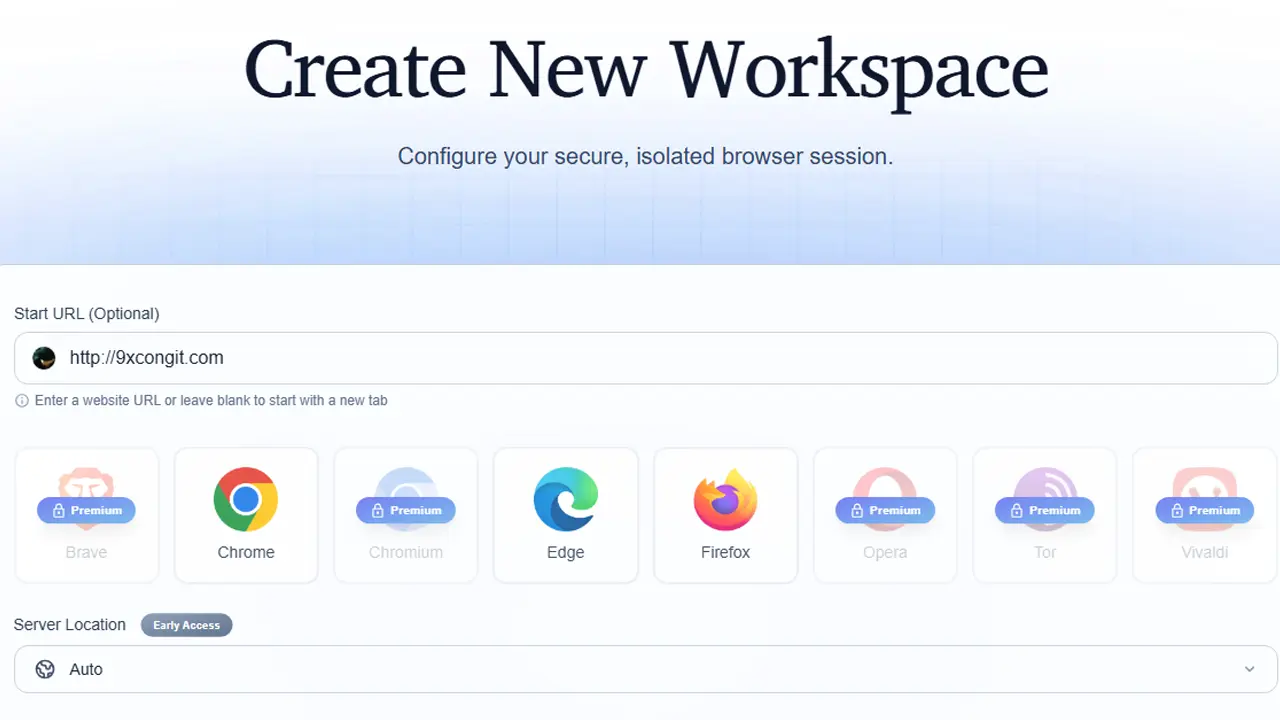
Use directly from Chrome, Firefox, Edge, or any modern browser.
4. Fast Performance
Websites load from high-speed servers, faster than low-end local machines.
5. Premium Upgrade
- Longer session times
- Unlimited usage
- No ads
Is Browser.lol Safe?
Yes. Browser.lol is very safe for:
- Testing suspicious links
- Opening unknown HTML files
- Viewing risky websites
- Private browsing and web testing
The platform logs minimal metadata for security but does not monitor your browsing activity inside the sandbox.
How to Create a Free Browser.lol Account (2025)
Step 1: Visit the Website
Go to https://browser.lol.
Step 2: Click “Sign Up”
Located in the top-right corner of the page.
Step 3: Register with Email
You can use Gmail, Outlook, Yahoo, or any valid email address. Fill in:
- Password
- Confirm password
Then click Create Account.
Step 4: Verify Email
Browser.lol will send a verification email. Open it and click Verify to activate your account.
Step 5: Login and Launch Free Trial
Once logged in, go to the Dashboard and click Launch Browser. The free version allows multiple sessions and enough usage to experience the service.
How to Use Browser.lol
- Click Launch Browser to start a virtual session.
- Use it like a regular browser: navigate URLs, open tabs, copy/paste, download files inside the sandbox.
- Close the session when done. The sandbox is automatically deleted.
Pros and Cons
Pros
- Free, no credit card needed
- Very safe for browsing
- Fast and smooth
- Does not slow down your machine
- Great for testing suspicious links
- Anonymous browsing with no IP leaks
Cons
- Free sessions may have time limits
- Heavy websites may load slower
- Not suitable for gaming or streaming heavy content
Who Should Use Browser.lol?
- People checking suspicious links
- Web developers and testers
- Users handling unknown HTML/JS files
- Company employees with restricted software installation
- Privacy-conscious users
- Those who want a secure environment for risky web browsing
Conclusion
Browser.lol is an excellent tool for safe, isolated browsing. The free trial is sufficient for most users to experience the platform before considering a Premium upgrade.