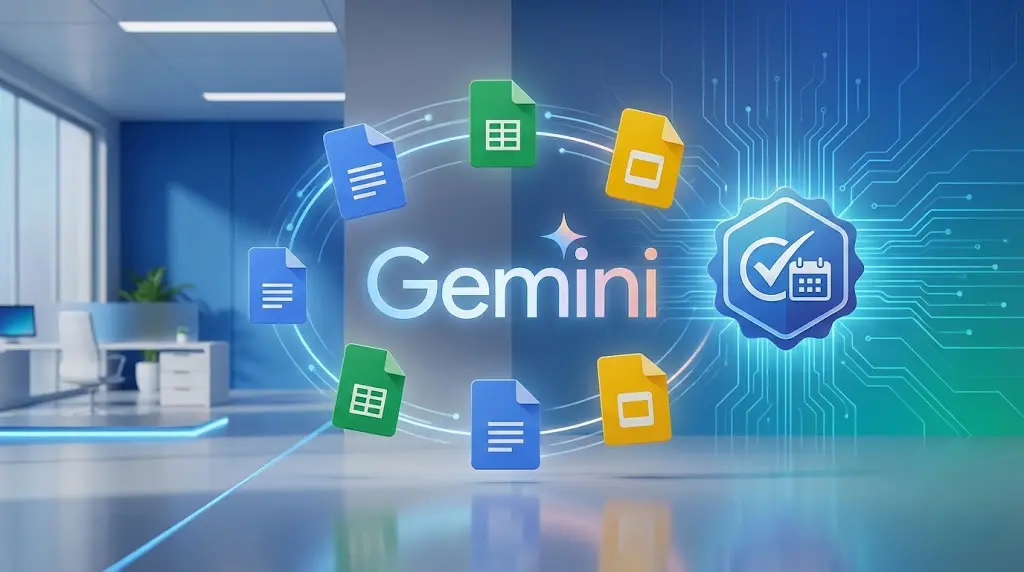
Are you looking for a secure and powerful AI solution for your business? Gemini Enterprise is Google’s highest-tier AI platform for organizations, offering enterprise-grade data protection and advanced AI features inside Docs, Sheets, Slides, Gmail, and Meet.
This guide will show you exactly how to sign up for the Gemini Enterprise Trial without requiring any credit card, using only your Google Workspace Admin Console.
Why Your Business Should Try Gemini Enterprise
Compared to Gemini Advanced or the free Gemini version, the Enterprise edition provides significantly enhanced features:
- Enterprise-grade data security: Your data is never used to train public AI models.
- Deep productivity integration: Built directly into Google Docs, Gmail, Drive, Sheets, and more.
- Unlimited usage: Access to the powerful Gemini 1.5 Pro model with higher rate limits.
Requirements Before Signing Up
- A paid Google Workspace plan: Business Starter, Standard, Plus, or any Enterprise tier.
- Super Admin permissions: Required for adding or activating new services.
How to Sign Up for the Gemini Enterprise Trial (No Credit Card Needed)
You can begin the trial either from Google’s official product page or directly through the Google Admin Console.
Step 1: Log In to the Google Admin Console
Visit admin.google.com and sign in using your Super Admin account.
Step 2: Navigate to Billing → Get More Services
- Open the left sidebar menu.
- Select Billing.
- Click on Get more services.
- Search for Google Workspace Add-ons.
Step 3: Start the Free Trial
Find Gemini Enterprise and click Start Free Trial. Depending on your region, the trial may be 14 or 30 days.
No payment method is required. Google Workspace add-on trials do not ask for credit cards.

Step 4: Assign Licenses to Users (Important)
After enabling Gemini Enterprise, users cannot access the AI features until licenses are assigned:
- Go to Users in the Admin Console.
- Select the user you want to enable.
- Assign the Gemini Enterprise license.
Gemini Enterprise vs Gemini Business: Quick Comparison
| Feature | Gemini Business | Gemini Enterprise |
|---|---|---|
| Target Users | Small & Medium Businesses | Large enterprises / Heavy AI usage |
| AI Usage Limits | Limited monthly usage | Unlimited |
| Google Meet AI Features | Basic AI enhancements | Advanced captions, real-time translation & meeting summaries |
Final Thoughts
Activating the Gemini Enterprise Trial is an excellent way to evaluate Google’s most advanced AI tools for business collaboration and productivity. Since the trial does not require a credit card, it’s a risk-free opportunity to test how AI can enhance your team’s workflow.
For more details, visit the official Google Cloud page: https://cloud.google.com/gemini-enterprise